Worked a little on the GT seat last night. Spent an hour scanning the seat to create a cloud map of the surface. Ended up with 13 million data points … Got a little outta control with the scanner wand

- we didn’t really need that many points and we also missed a couple spots on the seat edges (those can be fixed).
Then once the surface is detected, you lay a function over the top called a ‘mesh’ and that ties all the cloud points together. Once the mesh is on - you can use all the canned standard features in the program to adjust the surface and it auto-adjusts all the attached data points. Stuff like Fill Holes, Smooth Surface, Create/Set Radius.
Once you get it adjusted the way you want – you Export As a CAD file with whatever extension you want (or export filters you have installed).
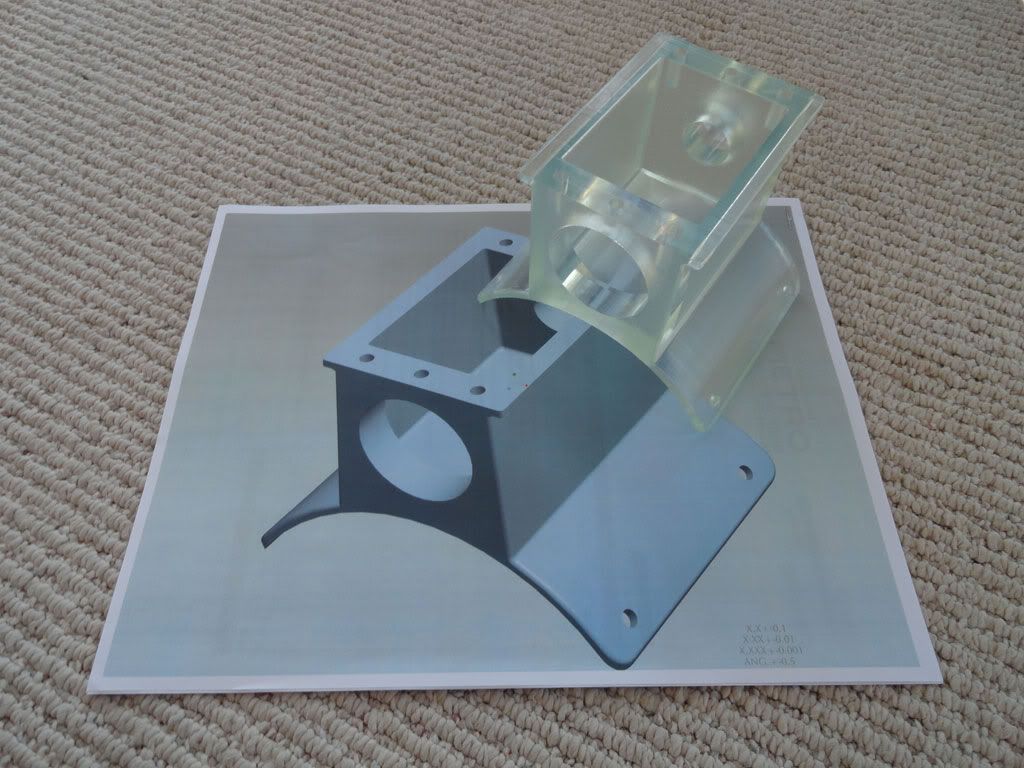
I added a pic at the end of what a finished seat looks like.
Jim
















 Brian Hobaugh SCCA National Tour June 2014
 First Hemi 'Cuda Convertible Ever Built
 Short clips: Goodguys Pleasanton autocross and pit videos






 Linear Mode

